
Updated October 2026: We refreshed titles and FAQs for the queries this page actually ranks for, and re-checked free-tier limits.
Best Free AI Interior Design Apps (Actually Free to Try)
Looking for the best free AI interior design app — or a free AI home decor / room design tool that does not ask for a credit card first? Most platforms gate quality behind payment. We tested the major options and kept only the ones that let you try a full-quality render before you buy.
1. InstantInterior AI (Editor's Choice 🏆)
What you get for free (no credit card required):
- 1 hyper-realistic HD render with full resolution (the same quality as paid plans)
- No watermark. Use your design anywhere
- Full style customization. Choose any style and add written text prompts for precise control
- Complete architectural feature preservation using advanced AI
Try InstantInterior AI Free (No Credit Card) →
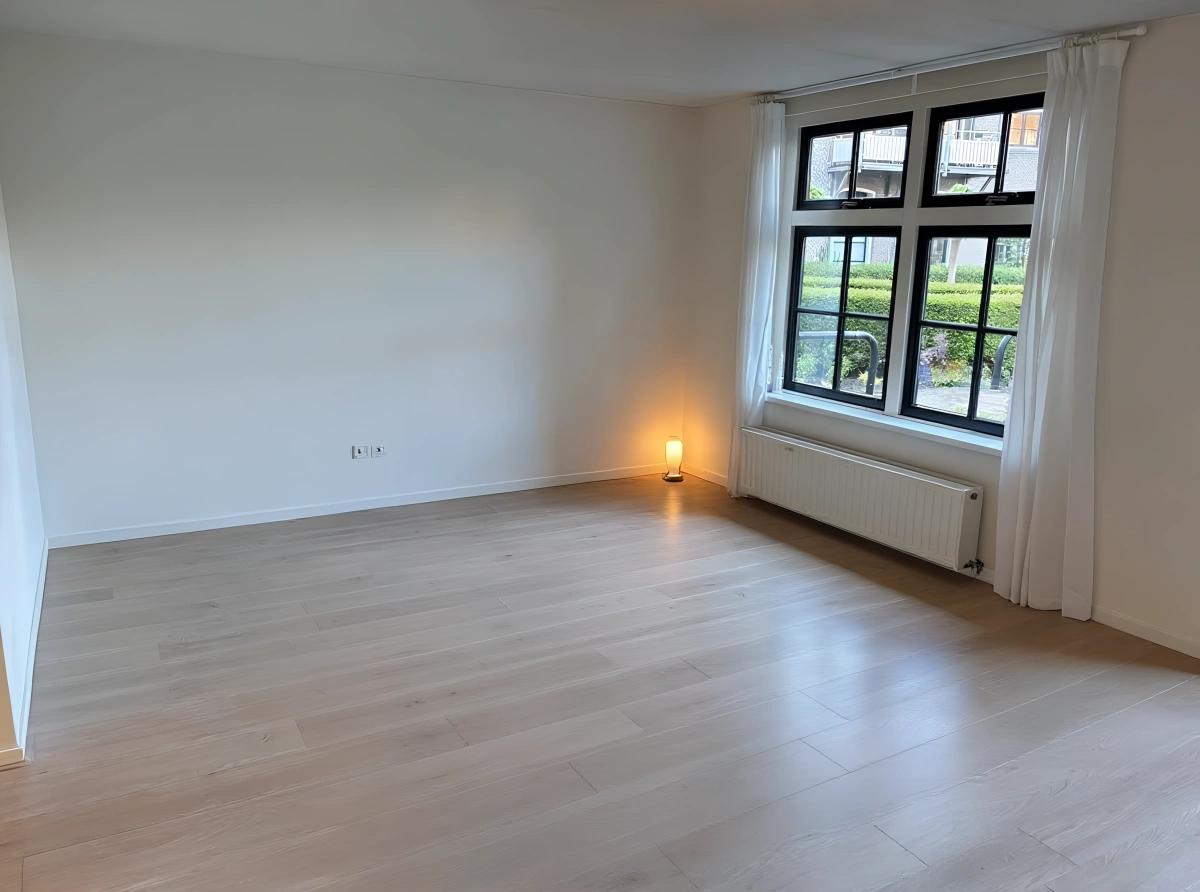
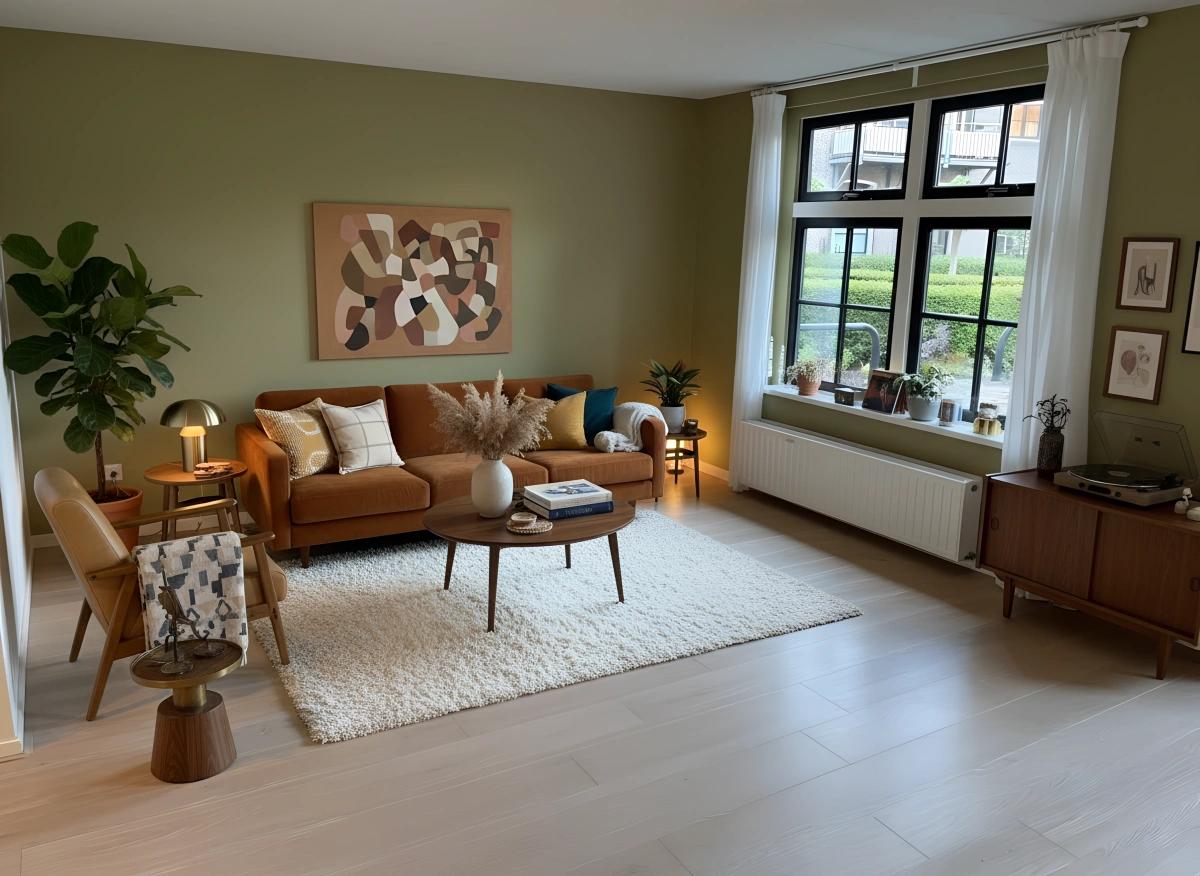
Why InstantInterior AI is the best free option: See for yourself in the before/after below. We ran every app in this article on the same starting photo (see How We Tested Each App) — and in that side-by-side comparison, InstantInterior AI produced the most photorealistic free-tier output, with a result that reads like a believable room rather than generic AI filler. Unlike competitors that limit resolution, force watermarks, or lock down style choices on free plans, InstantInterior AI gives you the same full-quality renders as paid users. That way you can judge the tool honestly before you upgrade.
Empty room result
AI redesign result
User review
The AI performed wonderfully; the photo was the best I've seen and absolutely stunning. I was playing around with design ideas to convince my husband to do a refresh, and thanks to your site, he is now totally sold on the idea.
When to upgrade: If you're serious about redesigning multiple rooms or exploring various design directions, the paid plan offers exceptional value: $27/month for 200 renders (no annual commitment required). That's about $0.14 per high-quality render, which is significantly cheaper than hiring a designer. Plus, you can cancel anytime, so you're never locked into a long-term subscription.
How We Tested Each App
To ensure a fair comparison, we tested each AI interior design app using the same input image. This allows you to see how each platform handles the same room, making it easier to compare quality, style accuracy, and overall output.
We chose a fully furnished and cluttered room with items and people in the image to determine how well each AI could detect these objects and accurately recreate the room with a new AI-generated interior design.
Test input image used for all comparisons
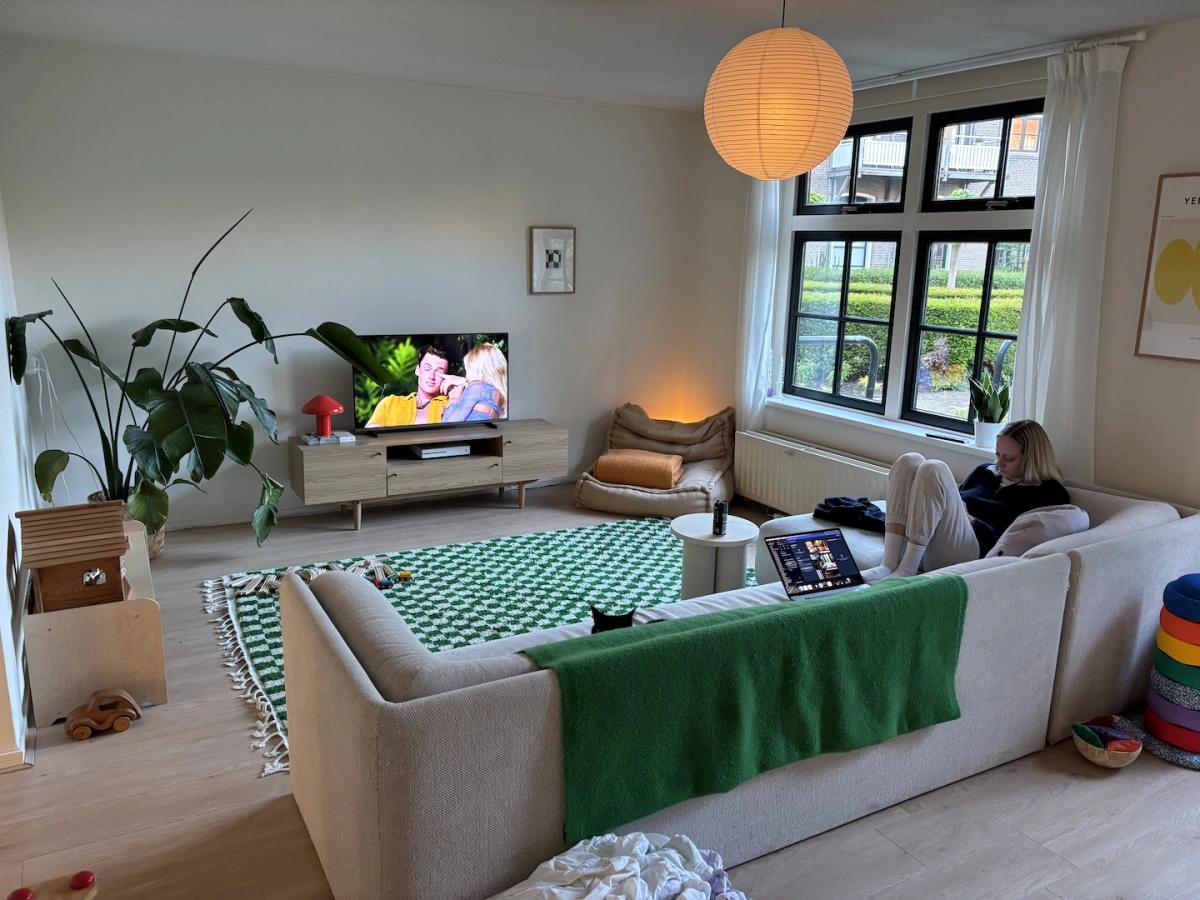
All the comparison images you'll see below were generated from this same starting point, giving you an apples-to-apples view of each platform's capabilities.
Best Free AI Interior Design Quality
What sets InstantInterior AI apart isn't just the free trial. It's the ultra-high resolution, photorealistic output that rivals professional design renders. Even your free render is delivered at maximum quality with no compromises.
Our AI uses the latest image generation models specifically fine-tuned for interior design, ensuring:
- Realistic lighting and shadows that match your room's natural conditions
- Accurate depth perception and spatial awareness
- Furniture that looks like it belongs in the space, not artificially placed
- Preservation of architectural details like windows, doors, and room proportions
"The AI is the best I've ever tried and the website is really easy to use."
- Kitti
5. Other Free AI Interior Design Apps
We tested the major platforms that claim to offer free AI interior design. Here's what we found:
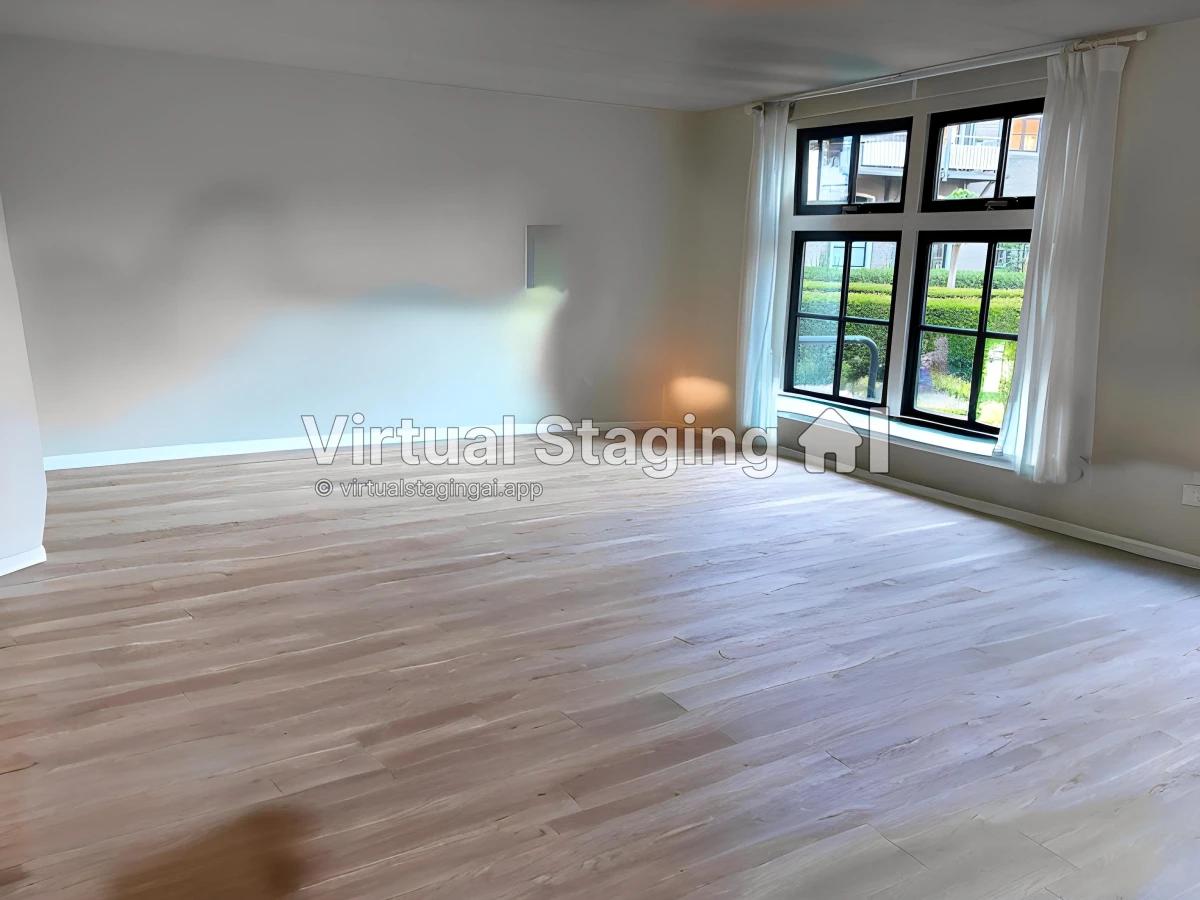
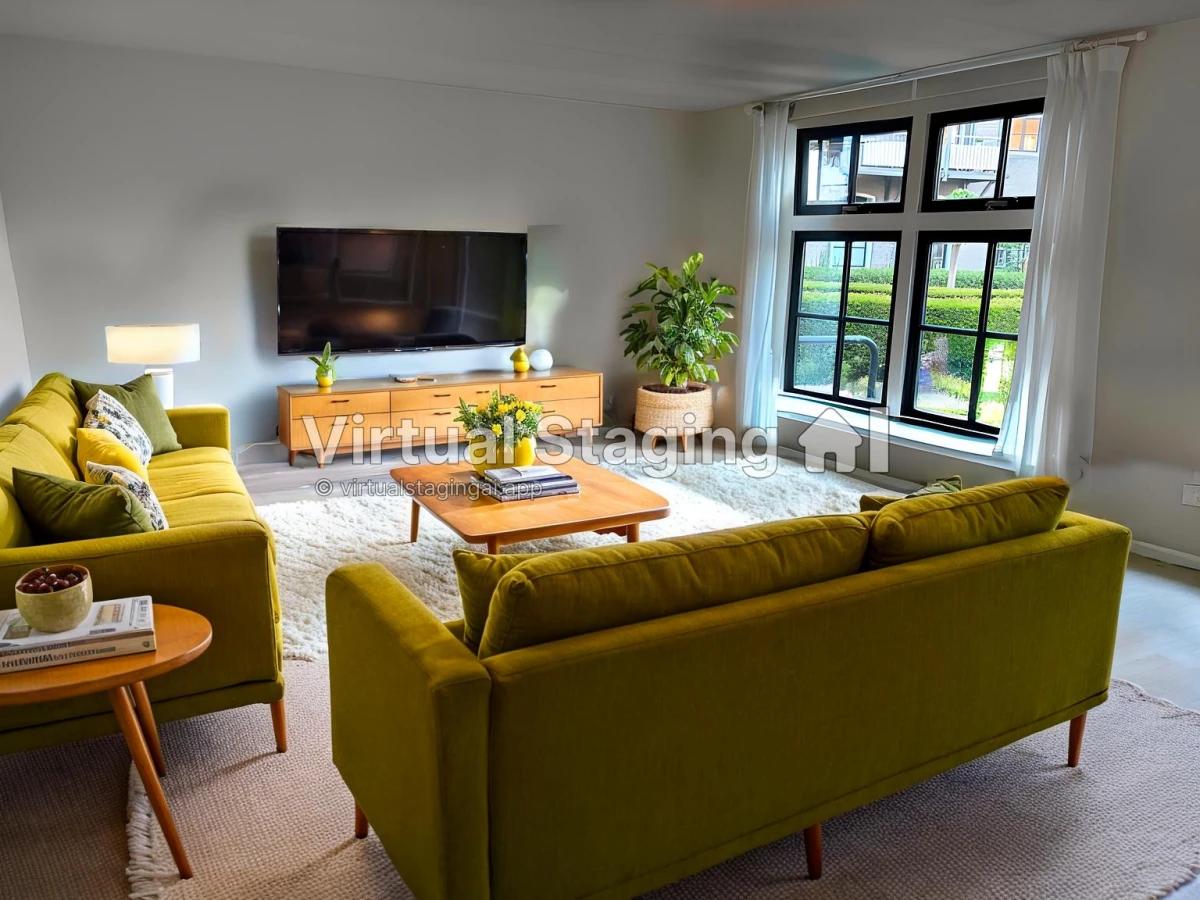
5.1. Virtual Staging AI
Free tier: Virtual Staging AI offers a free trial that doesn't require a credit card upfront, which is a plus. However, there are significant quality limitations.
Our experience: In our testing, their AI struggled with depth perception and room structure comprehension. While furniture quality was relatively decent, the overall output often looked unrealistic because the AI didn't properly understand spatial relationships in the room.
Pricing: Their lowest paid tier limits the number of images you can upload per plan. Their lowest is $16/month for 6 images (approximately $2.67 per image). InstantInterior AI allows unlimited uploads.
Empty room result
AI redesign result
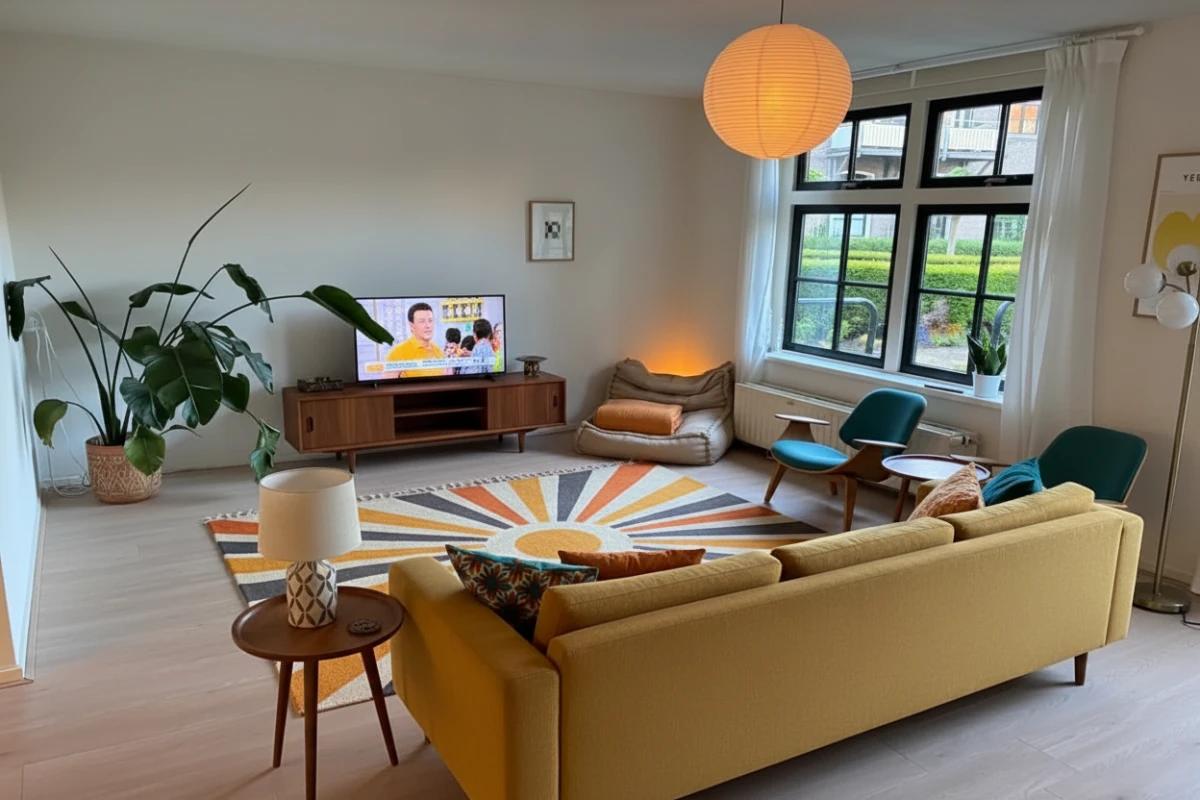
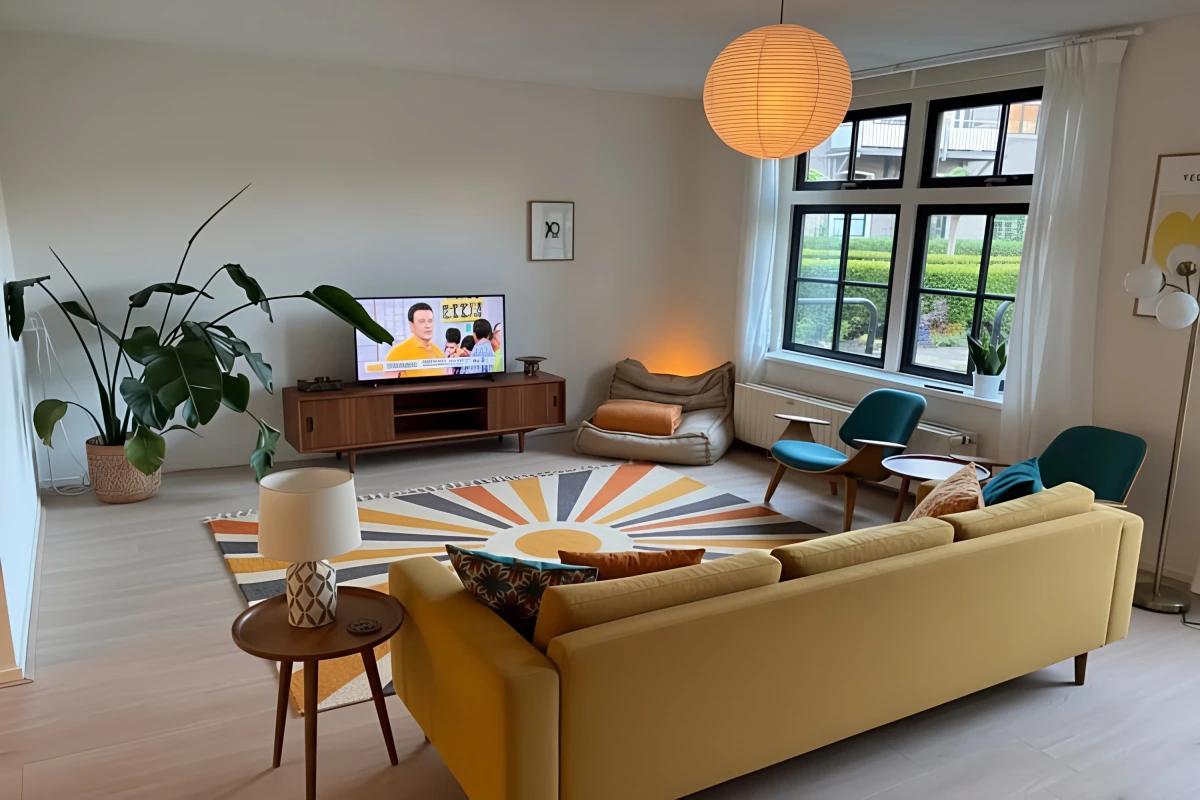
5.2. SofaBrain
Free tier: SofaBrain offers a free option, but quality is noticeably lower than modern AI standards.
Our experience: In our testing, even their "upscaled" paid option created sharper images but with very little added detail. The AI appears to be using older generation models that haven't kept pace with recent advancements. While depth perception was decent, the overall realism fell short of what's possible with current AI technology.
Pricing: SofaBrain's lowest tier starts at $39/month, making it a high cost of entry for relatively low quality outputs in our experience.
Free output quality
Upscaled output quality
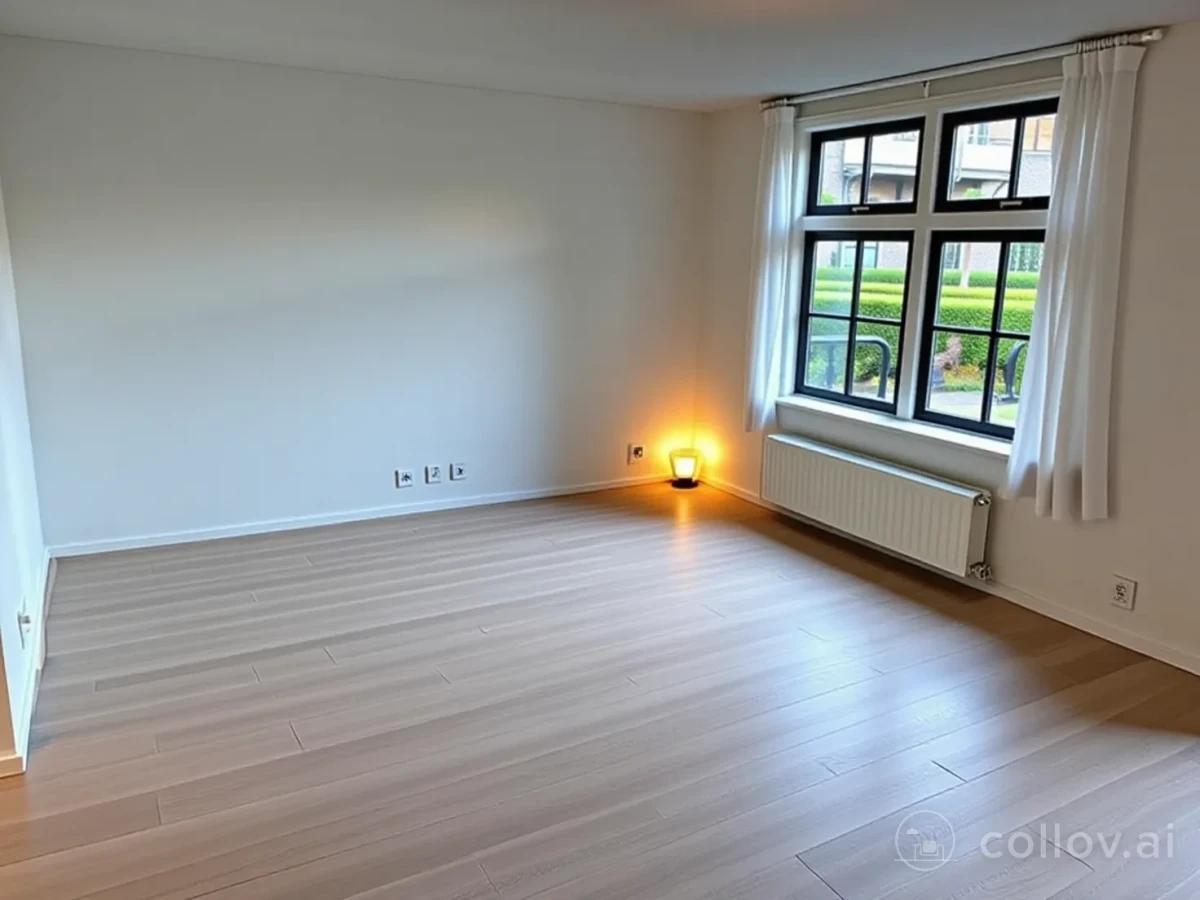
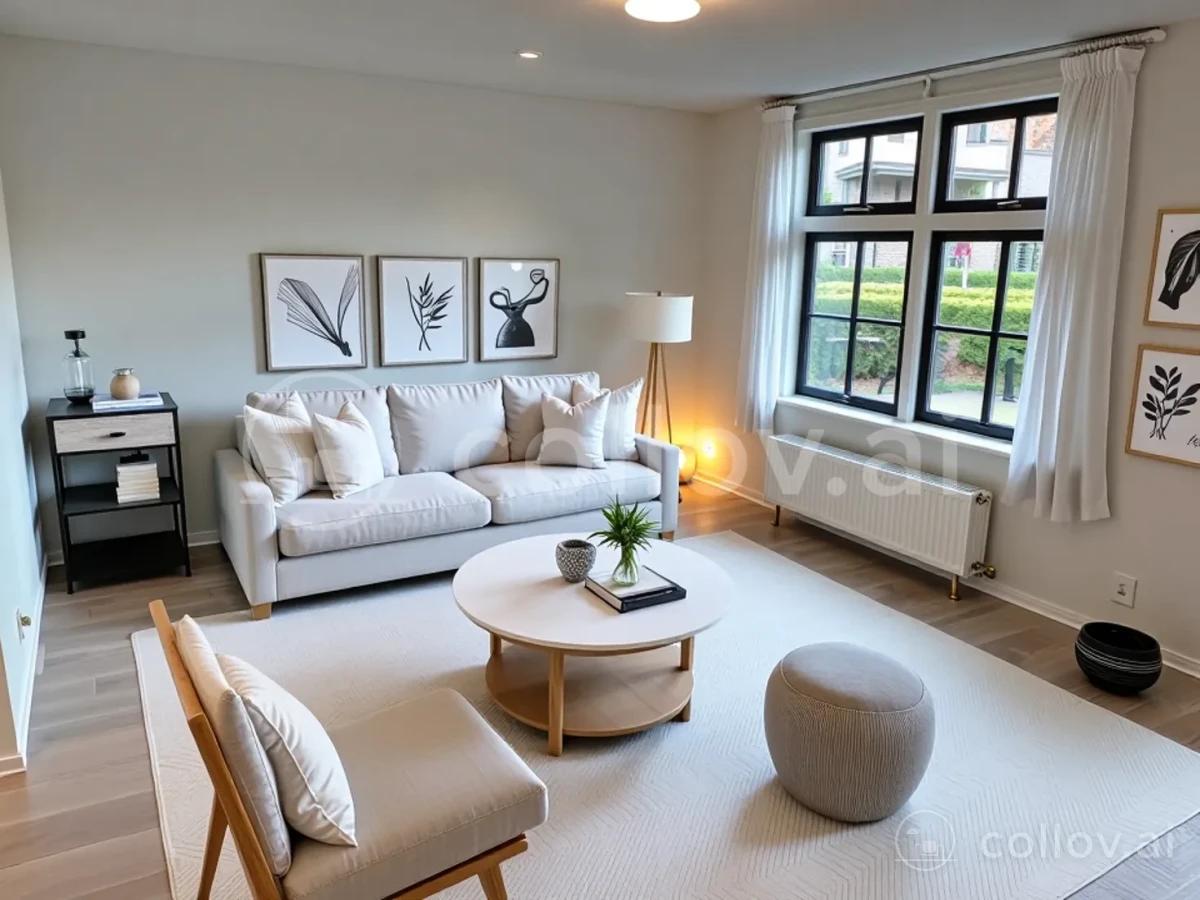
5.3. Collov AI
Free tier: Collov AI offers a free render, but with significant limitations.
Our experience: In our testing, the free tier only offered 2 design styles to choose from, and free renders included a watermark, which limits usability. The quality also appeared to be using dated AI models that didn't match the photorealistic standards of newer platforms.
Pricing: In our testing, their monthly plans start at $27/month for 60 photo credits, or $59/month for 150 credits. This means you're paying the same or more than InstantInterior AI while getting fewer renders and lower quality output in our experience.
Empty room result
AI redesign result
Free AI Interior Design Comparison
Here's how the tools that offer free trials stack up:
| Feature | InstantInterior AI | Virtual Staging AI | SofaBrain | Collov AI |
|---|---|---|---|---|
| Example Output | 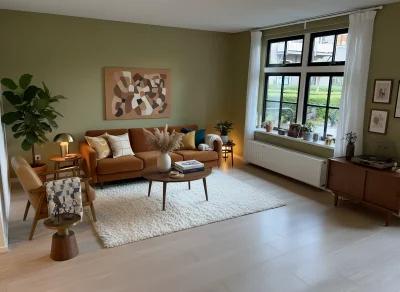 | 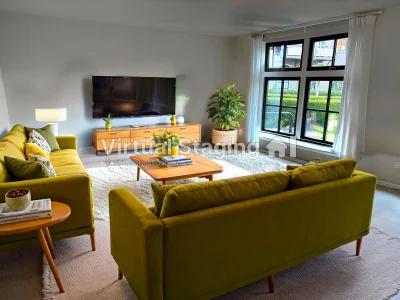 | 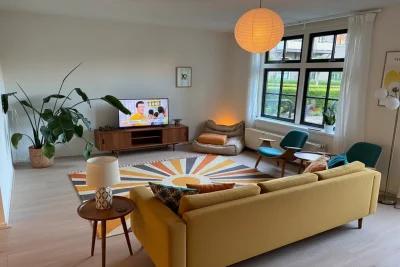 | 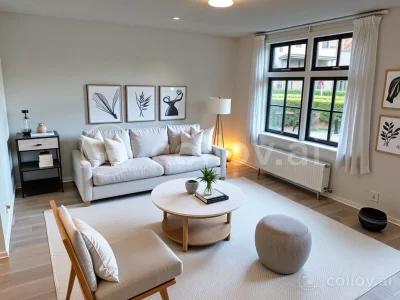 |
| Free Try Available | 🟢 Yes (1 HD render) | 🟢 Yes | 🟢 Yes | 🟢 Yes (watermarked) |
| Credit Card Required | 🟢 No | 🟢 No | 🟢 No | 🟢 No |
| Free Render Quality | 🟢 Ultra HD, Photorealistic | 🔴 Lower quality, depth issues | 🔴 Lower quality, dated models | 🔴 Lower quality, dated models |
| Watermark on Free | 🟢 No | 🔴 Yes | 🟢 No | 🔴 Yes |
| Style Options (Free) | 🟢 All styles + text prompts | 🟢 All styles | 🟢 All styles | 🔴 Only 2 styles |
| Upscale on Free | 🟢 Yes | 🔴 No | 🔴 No | 🔴 No |
| Lowest Paid Tier | $27/month (200 renders) | $16/month (6 images) | $39/month | $27/month (60 credits) |
| Cost Per Render | ~$0.14 | $2.67/image | Varies | $0.45 |
| Unlimited Uploads | 🟢 Yes | 🔴 No (plan limits) | 🟢 Yes | 🟢 Yes |
When Free AI Interior Design Isn't Enough
If you're serious about redesigning your space, one free render won't be enough. Interior design is inherently iterative. You'll want to:
- Try 3-5 different style directions before settling on one
- Refine your chosen style with variations (different furniture, colors, layouts)
- Design multiple rooms in your home for consistency
- Compare options side-by-side to make confident decisions
This is why we recommend investing in at least one month of a paid plan. You'll get enough renders to properly explore your design vision without being locked into a long-term subscription. Plus, InstantInterior AI makes it easy to cancel. You only pay for what you use.
Pro tip: Use your free renders first to verify quality. If you love the result, upgrade for a month to complete your project. Ensure you choose an app that allows you to cancel without commitment, such as InstantInterior AI.
FAQ: Free AI Interior Design & Home Decor Apps
What is the best AI interior design app right now?
In our side-by-side tests, InstantInterior AI was the best free AI interior design app for photorealistic room redesigns without a credit card. If you need floor-plan drafting instead of photo-based redesign, a planner-style tool may fit better — but for "upload a room photo → get a new design," InstantInterior AI won on quality and free-tier honesty.
Is there a free AI home decor app with no watermark?
Yes. InstantInterior AI's free tier includes watermark-free HD renders and works as a free AI home decor / decorating app for furniture, style, and layout ideas. Several competitors watermark free outputs or require payment details up front — we call those out in the comparison table above.
What about free virtual staging for real estate?
If you are staging empty listings rather than redesigning a lived-in room, use our free AI virtual staging flow — same try-before-you-buy approach, built for real estate photos.
Best Free AI Interior Design App
After side-by-side testing on the same input room (the methodology above), InstantInterior AI stood out the most for several reasons:
- True try-before-you-buy: Get a full-quality, watermark-free render without entering payment information
- Best quality in our comparison: Ultra-high resolution, photorealistic output on our test image — see the examples above
- Most affordable paid tier: About $0.14 per render vs. competitors charging $2.67+ per image
- No commitment: Cancel anytime. Perfect for one-month projects
- Unlimited uploads: No artificial limits on how many rooms you can design
Start with the free render to experience the quality yourself. If you're serious about your interior design project, one month of the paid plan ($27 for 200 renders) gives you everything you need to explore multiple styles and complete your vision, without any long-term commitment.