
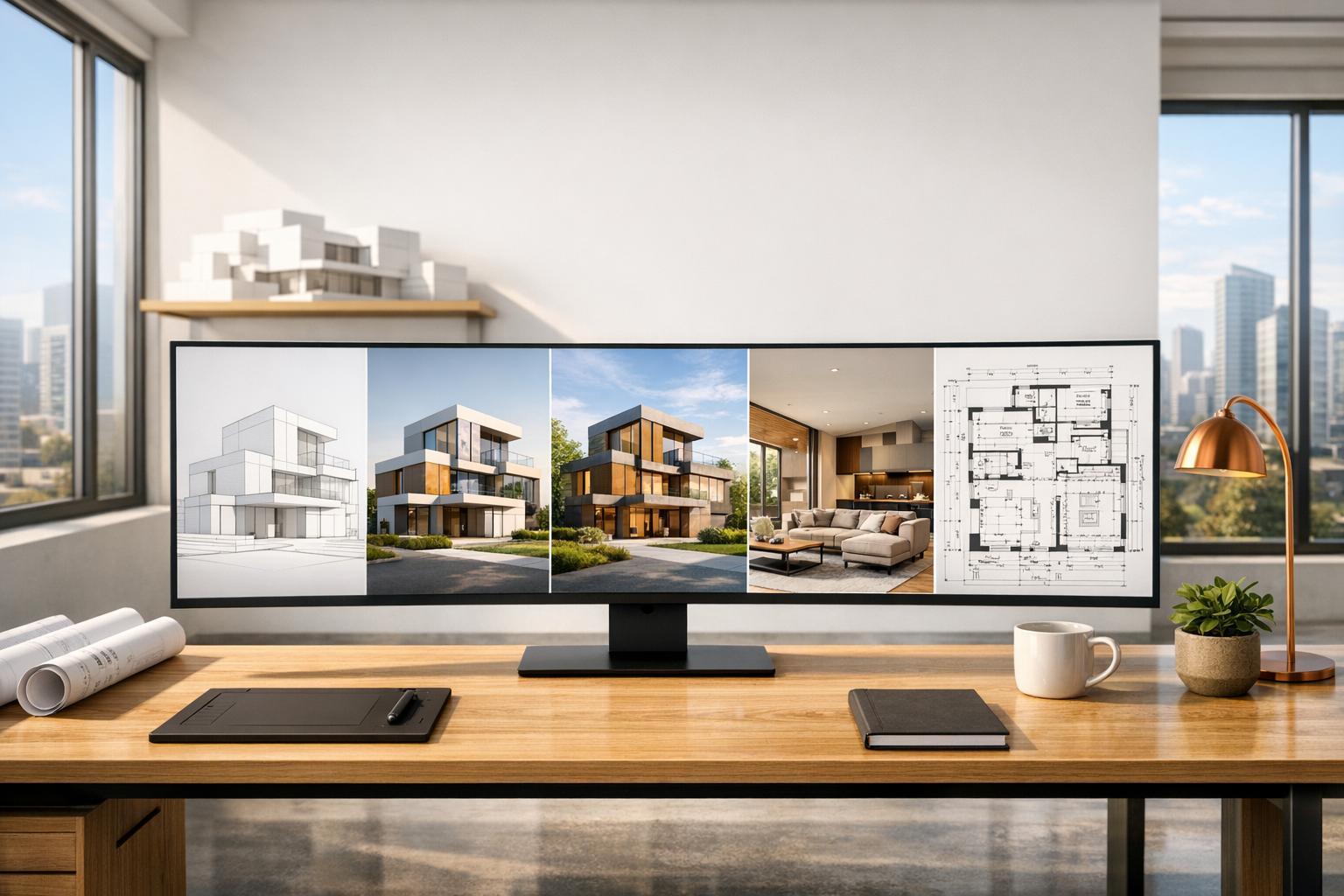
By 2026, AI-powered tools are reshaping architectural design. These tools simplify workflows, reduce costs, and save time across 3D modeling, rendering, and project management. Here's a quick look at five top software options:
- InstantInterior AI: Specialized in virtual staging, this tool creates photorealistic interior designs in seconds using uploaded photos. Pricing starts at $13.50/month.
- Revit: A BIM powerhouse, Revit excels in detailed 3D modeling and construction documentation. It now includes AI tools like natural language commands. Subscriptions start at $130/month.
- ARCHICAD: Known for smooth BIM workflows, ARCHICAD integrates AI for design assistance and visualization. Plans start at $201/month.
- SketchUp: User-friendly 3D modeling with AI features for rendering and object generation. Pricing starts at $30/month.
- Lumion: Focused on high-quality visualizations, Lumion offers AI tools for rendering and material creation. Pricing varies by plan.
Quick Comparison
| Feature | InstantInterior AI | Revit | ARCHICAD | SketchUp | Lumion |
|---|---|---|---|---|---|
| AI Features | Virtual staging | BIM tools | Design assistant | Rendering tools | Rendering tools |
| 3D Modeling | No | Full BIM | Full BIM | Push-Pull | Limited |
| Rendering Speed | 10–20 sec | 30–60 sec | 30–60 sec | 30–60 sec | 15–60 min |
| Starting Price (Monthly) | $13.50 | $130 | $201 | $30 | Varies |
| Best For | Staging | Construction | BIM workflows | Simple modeling | High-end visuals |
Each software has unique strengths, so your choice depends on your project’s needs—you can learn more about AI design trends on our blog - whether it’s quick staging, detailed modeling, or stunning renders.

Comparison of Top 5 Architectural Design Software for 2026
Architecture in 2026 - The AI Tools Every Pro is Switching To
sbb-itb-4214aae
1. InstantInterior AI

InstantInterior AI is part of the 2026 wave of AI-driven design tools, offering fast and affordable virtual staging solutions. This platform focuses on AI-powered virtual staging, making it perfect for professionals who need quick, high-quality room visualizations. Simply upload a photo of a space, pick a design style, and receive a redesigned image in seconds - no need for complicated 3D modeling.
AI Integration
The platform's AI technology creates AI interior designs through incremental changes. You can tweak individual elements like furniture, wall colors, or other design details without starting over. Features such as Paint Walls and Empty Room let you experiment with different finishes or completely remove existing furniture for a blank canvas. Every output comes with a commercial license, making it suitable for client presentations and marketing campaigns.
Speed of Rendering
One of InstantInterior AI's standout features is its blazing-fast rendering. It generates images in seconds, not minutes, making it a great tool for quick client feedback sessions or presenting multiple design options during a single meeting. All plans include high-resolution outputs, and the Business tier even offers 4K-quality images. This speed and quality make it a cost-effective choice for professionals.
Pricing
The platform operates on a credit-based system, with credits allocated upfront for annual plans:
| Plan | Monthly Price (Billed Annually) | Total Credits Upfront | Approximate Renders/Month |
|---|---|---|---|
| Hobby | $13.50 | 1,200 | 100 |
| Premium | $28.50 | 7,200 | 600 |
| Business | $49.50 | 24,000 | 2,000 |
All plans include high-resolution images, text prompts, Paint Walls functionality, and commercial licensing. The Premium plan adds priority support, while the Business tier unlocks 4K resolution for even sharper visuals.
2. Revit

Revit continues to set the benchmark for Building Information Modeling (BIM), equipping architects with tools to create detailed 3D models and construction documentation. Its parametric modeling ensures that any changes - like shifting a wall - automatically update all related views, sections, and schedules.
AI Integration
The 2027 release introduced a game-changer: Autodesk Assistant, an AI tool designed to handle natural language commands. For instance, you can type, "tag all doors on Level 2", and the task is completed instantly. This is powered by Model Context Protocol (MCP), which grants AI real-time access to live BIM data for seamless updates.
"MCP enables AI to look into live BIM model data as if it were a native part of the Revit software, thereby bypassing the long-standing problem of BIM data being isolated within the walled garden of a software application." - Anthony Frausto-Robledo, AIA, NCARB, LEED AP
AI plugins like WiseBIM can transform 2D drawings into 3D elements with 70–80% accuracy, while Veras generates photorealistic renders from text prompts in under two minutes. These tools streamline workflows, bringing efficiency to 3D modeling and design processes.
3D Modeling Capabilities
Revit’s parametric modeling integrates architectural, structural, and MEP designs into one collaborative model. The Family Editor allows users to create custom 3D components - whether it’s furniture or intricate facade systems - that intelligently interact with other building elements. For example, Baker Barrios reported cutting site analysis tasks from 40 hours to under 4 hours using AI tools in 2026.
Revit also automates the creation of 2D construction documents from the 3D model, ensuring alignment between design and construction plans. Multi-user worksharing enables teams to collaborate on different parts of a project simultaneously without file conflicts. This real-time coordination is vital for projects requiring fast iterations and cross-discipline collaboration.
Pricing
Revit’s pricing reflects its extensive capabilities. The software operates on a subscription model, costing approximately $130 per month for standalone access. Alternatively, it’s included in the Autodesk AEC Collection for around $3,675 per year per seat, which also includes tools like AutoCAD and Navisworks. A 30-day free trial lets users explore the new AI features before committing.
For smaller firms, this cost can be a notable expense. However, for enterprises, the advanced generative design features - priced at up to $400 per month per seat - offer significant time savings, making Revit a worthwhile investment for handling complex, multidisciplinary projects.
3. ARCHICAD

ARCHICAD is a BIM platform that prioritizes design efficiency with user-friendly workflows and open collaboration standards. It employs parametric elements - like walls, slabs, roofs, and beams - that automatically synchronize across the entire model.
AI Integration
With ARCHICAD 29, the AI Assistant (Beta) was introduced as a smart design companion aimed at simplifying onboarding and streamlining tasks. It can differentiate between Viewpoints and Views using natural language commands. For example, you can type commands like "show all doors less than 36 inches wide" or "highlight all load-bearing columns" to filter or display specific BIM elements instantly.
The AI Visualizer 2.0, powered by the Stable Diffusion engine, delivers high-quality 3D visualizations based on simple models and text prompts. Since it operates in the cloud, users can create these visuals without needing advanced local hardware. Additionally, Graphisoft's Design Intelligence Strategy ensures project data remains secure and confidential.
"Archicad 29 is the centerpiece of their Design Intelligence Strategy and a type of backbone for next-generation AI-enabled workflows." - Anthony Frausto-Robledo, AIA, NCARB, LEED AP
These AI tools integrate seamlessly with ARCHICAD's core modeling features, enhancing productivity.
3D Modeling Capabilities
ARCHICAD combines architectural, structural, and MEP designs in one platform. It offers intelligent tools for creating stairs, railings, curtain walls, and precise openings directly in section or elevation views. Native MEP modeling tools are included, and the software automatically generates a Structural Analytical Model for load-bearing elements.
The platform is highly compatible with OpenBIM standards, utilizing buildingSMART protocols like IFC, BCF, and IDS. This makes it an excellent choice for projects requiring collaboration across different platforms and disciplines.
Pricing
ARCHICAD now operates exclusively on a subscription model, as perpetual licenses are no longer available for new commercial users starting in 2026. Pricing options include:
- ARCHICAD Studio: Priced at $201 per month (billed annually at $2,414), this plan is ideal for individuals and small teams. It includes core BIM tools, the AI Assistant, and BIMcloud Basic for local teamwork.
- ARCHICAD Collaborate: Available for $237 per month (billed annually at $2,840), this plan is tailored for larger-scale and cross-company projects. It includes MEP Designer, BIMcloud SaaS for global collaboration, and portable licenses.
Students and educators can access a free, full-featured educational license that's renewable annually. There's also a 30-day free trial offering complete access to ARCHICAD Studio features.
4. SketchUp

SketchUp is widely recognized for its user-friendly "push-pull" modeling, which simplifies 3D design for beginners and pros alike. Its massive 3D Warehouse offers millions of free, ready-to-use models, allowing architects and interior designers to quickly add furniture, fixtures, and other elements to their projects.
AI Integration
The 2026.1 update brought AI-driven tools to SketchUp, significantly speeding up design workflows. AI Render can create photorealistic images directly from the model viewport using text prompts or presets, delivering exterior renders in under 10 seconds. It also includes in-painting features, enabling precise edits to specific elements.
Another standout is the AI Assistant extension, which has two main tools:
- Help: Offers in-app guidance for smoother workflows.
- Generate Object: Creates 3D geometry with PBR textures from text or image prompts.
Additional AI features include:
- Scan-to-Design: Converts scanned spatial data into organized 3D models, available on iPad.
- 3D Warehouse Image Search: Uses images instead of keywords to find models.
"I see AI as enhancing our customers' invaluable learned skill set - it can help professionals be more productive, creative, and successful."
- Chris Cronin, Vice President, Trimble Architecture & Design and Education
These AI tools operate on a credit-based system. For example, AI Render uses 5 credits to generate 3 images, while Generate Object requires 30 credits per 3D object. Users can track their credits through the in-app "AI hub". These features aim to streamline workflows and elevate 3D modeling capabilities.
3D Modeling Capabilities
SketchUp 2026.1 introduced several updates to improve precision and functionality:
- A new Tape Measure mode allows users to create exact guide points.
- The Revit Importer (v1.2026.1.0) supports .rvt files from 2015 to 2026, letting architects import Revit Rooms and Spaces as components with tags and materials.
- The LayOut tool, included in Pro and Studio plans, helps turn 3D models into polished 2D documentation. Migration tools also make it easy to transfer custom shortcuts and settings from older versions.
Pricing
SketchUp offers a range of subscription plans to suit different needs:
| Plan | Monthly Price | AI Credits | Key Features |
|---|---|---|---|
| Free (Web) | $0 | 0 | Web modeling, 10 GB storage |
| Go | $119 | 100 | iPad/Web modeling, AR viewer, unlimited storage |
| Pro | $349 | 150 | Desktop app, LayOut, Style Builder, extensions |
| Studio | $749 | 200 | V-Ray rendering, Revit importer, Scan Essentials |
For users needing more AI credits, an add-on is available, offering 1,500 monthly credits for $11.99. While SketchUp earned an 8.2/10 rating from ProPicked in March 2026, reviewers noted that its pricing might feel steep for individuals or smaller firms. Still, the combination of simplicity and advanced AI tools makes it a strong choice for 3D designers.
5. Lumion

Lumion Pro 2026 delivers high-quality visuals while keeping your design workflow intact. Its LiveSync plugin connects directly to SketchUp, Revit, and ARCHICAD, allowing real-time updates without the hassle of manual exports. This smooth integration ensures your creative process stays uninterrupted. Let’s dive into how Lumion’s AI features speed up the visualization process.
AI Integration
The 2026 version introduces a range of AI-powered tools designed to make visualization faster and easier. The AI Image Upscaler can upscale visuals by 4x, producing outputs up to 16K resolution in just seconds. This is perfect for large-format prints and outdoor displays. It uses normal and depth maps to ensure precise details, making it ideal for client presentations. Additionally, the AI Material Generator transforms reference photos into custom materials with ease and even replaces skies automatically. Another standout feature is the Area Placement tool, which allows you to quickly populate outdoor spaces with up to 5,000 nature assets from 20 different types, complete with live previews for adjustments.
Rendering Speed
Lumion’s real-time ray tracing technology ensures instant updates to lighting, reflections, and shadows, significantly boosting rendering speed. Thomas Bates, Director of Visualization at VMDO, highlights this benefit:
"Lumion's greatest strength is its speed. We can iterate faster, explore more design options without the lag time, and integrate visualization deeper into our design process."
The 2026 release also makes handling large projects easier, supporting up to 300 panorama slots per project. This is especially useful for managing complex masterplans and offering detailed client tours. Lorenzo Langella from Studio Transit shares:
"Efficiency and speed are key for us, and Lumion has proven to be invaluable - it lets us quickly modify and render updates so that we can meet tight deadlines without compromising on quality."
These performance improvements align well with Lumion’s flexible pricing plans.
Pricing
Lumion provides three subscription tiers to suit different needs: Lumion View for basic visualization, Lumion Pro for advanced rendering, and Lumion Studio for comprehensive features. Subscriptions include options for named-user licenses for individuals and floating seats for teams. All plans come with access to Lumion Cloud, which helps organize renders and share secure links with clients. The AI Material Generator is included at no additional cost. You can save 20% by opting for a 3-year subscription, and there’s a 14-day free trial of Lumion Pro available - no payment details required. Current Lumion Pro and Studio subscribers will receive the 2026.0 update free of charge.
Advantages and Disadvantages
Each tool in this comparison brings its own set of strengths and challenges, tailored to different project needs. Here’s a closer look at what they offer and where they fall short.
InstantInterior AI is all about speed and simplicity. It delivers photorealistic virtual staging examples in as little as 10 seconds, using just a single photo. However, it doesn’t provide the precision needed for construction documentation. A standout feature is its per-element masking through tools like VizBase, which lets users specify materials with natural language commands - think "oak cabinets with marble counters".
Revit shines with its BIM-integrated precision, making it ideal for projects that demand geometric accuracy. It supports AI rendering through plugins like Veras or ArkoAI. The downside? A steep learning curve and dependence on third-party plugins can make it harder to adopt. Similarly, ARCHICAD offers strong BIM capabilities and supports AI visualization plugins, but its built-in AI features aren’t as advanced as Revit’s. On the other hand, SketchUp is known for its user-friendly interface and extensive plugin ecosystem, enabling rendering directly from the viewport. Its drawback lies in the lack of native AI functionality, requiring users to juggle multiple extensions.
Lumion is the go-to for high-quality lighting and advanced animations, though traditional rendering times range from 15 to 60 minutes - much longer than AI tools, which can deliver results in under a minute. AI rendering stands out for its speed and ability to quickly iterate on designs, answering complex queries in 60 seconds instead of hours. Cost is another factor: AI-generated renders are far more affordable, ranging from $0.50 to $5 per image, compared to $50 to $500 for traditional 3D renders.
Here’s a side-by-side comparison to help you decide which tool fits your needs:
| Feature | InstantInterior AI | Revit | ARCHICAD | SketchUp | Lumion |
|---|---|---|---|---|---|
| AI Features | Native photo-to-render, virtual staging | Supported by plugins | Supported by plugins | Supported by plugins | Limited/Manual |
| 3D Modeling | None (Photo-based) | Full BIM/Parametric | Full BIM/Parametric | Surface/Push-Pull | Environmental/Asset-based |
| Rendering Speed | 10–20 sec | 30–60 sec (AI) | 30–60 sec (AI) | 30–60 sec (AI) | 15–60 min |
| Pricing (Est.) | From $13.50/month | From $130/month | From $59/month | From $30/month | Professional License |
| Best For | Virtual staging, quick concepts | Construction documentation | BIM workflows | Intuitive 3D modeling | High-end final renders |
For many professionals, hybrid workflows offer the best of both worlds. You can use AI tools for fast concept development and client presentations, while relying on traditional CAD/BIM software for detailed design and construction documentation.
Conclusion
Choosing the right architectural design software in 2026 means aligning tools with the specific needs of your project. In the U.S., Revit continues to lead in BIM modeling and construction documentation, offering robust features for cross-disciplinary collaboration. ARCHICAD, on the other hand, shines when it comes to smooth design-to-documentation workflows. For projects that demand seamless teamwork across disciplines, Revit remains a top choice.
For professionals in real estate and interior design, InstantInterior AI provides a quick and cost-effective way to create photorealistic virtual staging from just a single photo. SketchUp is perfect for intuitive 3D modeling, offering simplicity without sacrificing functionality. Meanwhile, Lumion delivers stunning final renders, ideal for portfolios or presentations, even with rendering times typically ranging from 15 to 60 minutes.
The best approach often involves a hybrid workflow. Using AI for early-stage visuals and traditional CAD/BIM tools for technical detailing can speed up design iterations and save money. AI-generated renders, for instance, cost between $0.50 and $5.00 per image - much cheaper than traditional rendering methods. Since no single software can handle every aspect of the process, building a diverse toolkit that covers concept visualization, technical documentation, and high-quality rendering is essential. These tools are reshaping architectural workflows in 2026, helping professionals push boundaries while managing time and costs efficiently.
FAQs
What’s the best workflow for using AI visuals early and BIM later?
The best workflow begins by using AI-generated visuals in the initial design phase. This allows for the rapid creation of concept images, moodboards, and photorealistic renders, making it easier to brainstorm ideas and communicate concepts effectively. After the design gains approval, the process shifts to BIM software. Here, detailed modeling, coordination, and construction documentation take center stage. This method blends the speed and creativity of early-stage visualization with the accuracy and data-rich tools of BIM for the later stages of the project.
Do AI renders replace construction documents and permit drawings?
AI-generated renders are primarily intended for early-stage visualization and conceptual exploration. They help architects and designers brainstorm and communicate ideas effectively. However, they are not a substitute for construction documents or permit drawings. For detailed, code-compliant documentation, tools like CAD or BIM are still indispensable. While AI tools can streamline parts of the design process, they lack the precision and technical depth required for construction or permitting workflows.
How do AI credit systems affect monthly rendering costs?
AI credit systems influence monthly rendering costs by converting AI usage into measurable units tied to activity levels. These costs fluctuate based on the quantity and intricacy of AI tasks completed during the month. This system offers a flexible billing model that aligns with real usage, enabling users to better control their expenses.