
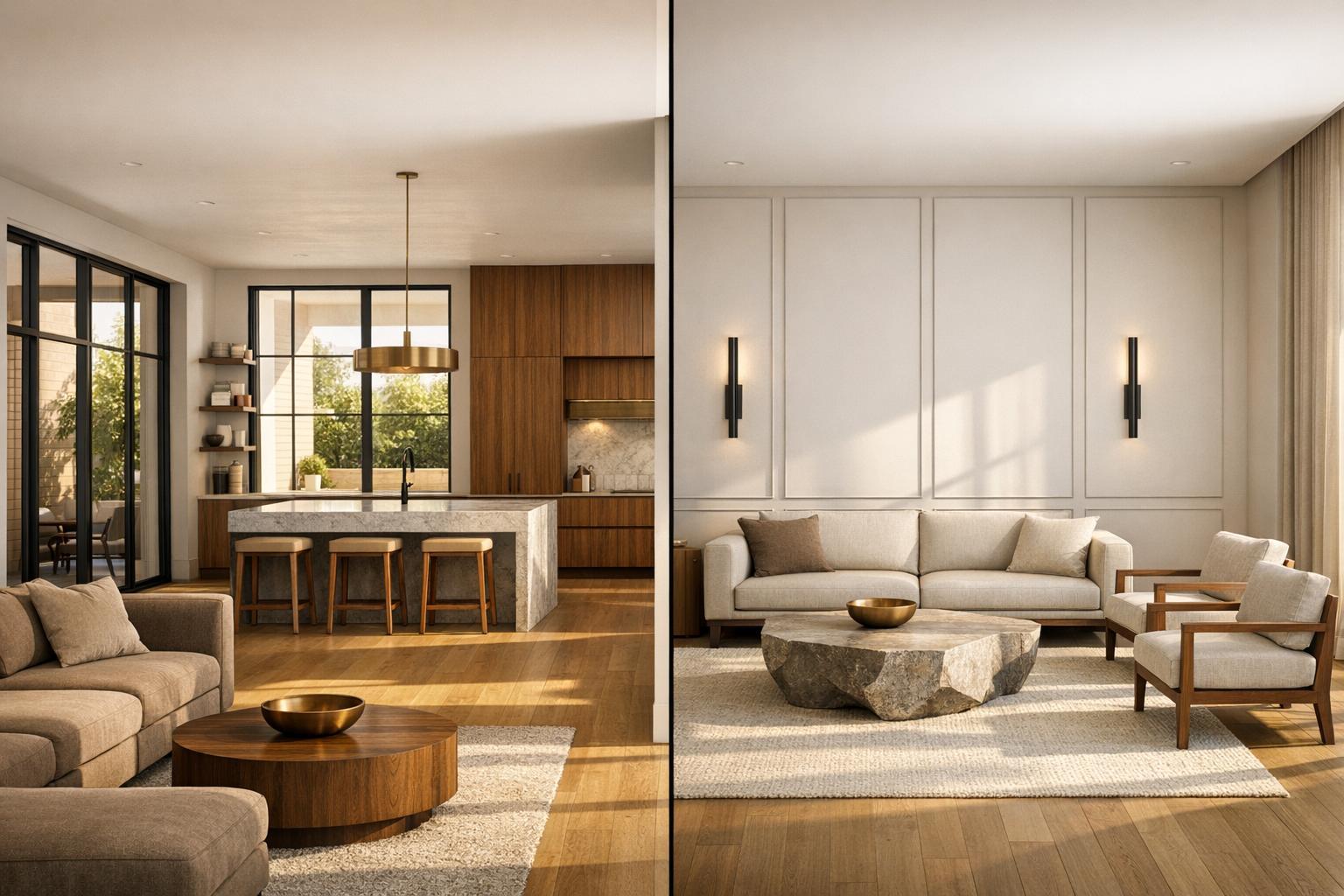
Choosing between HomeDesigns AI and InstantInterior AI depends on your specific needs in 2026.
- HomeDesigns AI: Best for users needing a versatile platform covering interiors, exteriors, and landscaping. It offers tools like Magic Redesign, 3D floorplans, and AI video generation. Pricing starts at $27/month, with unlimited designs available on the Pro Plan ($29/month).
- InstantInterior AI: Ideal for professionals focused solely on AI interior design for interior spaces. It provides detailed refinement tools, version control, and an annual credit system for flexibility. Pricing starts at $13.50/month (billed annually).
Quick Comparison
| Feature | HomeDesigns AI | InstantInterior AI |
|---|---|---|
| Focus | Interiors, exteriors, landscaping | Interiors only |
| Key Tools | Magic Redesign, 3D floorplans, Paint Visualizer | Version control, Paint Walls, Empty Room (including virtual staging) |
| Pricing | Starts at $27/month | Starts at $13.50/month (billed annually) |
| Credit System | Monthly limits | Annual upfront credits |
| Best For | Broad design needs | Interior-specific projects |
If your work spans multiple design areas, HomeDesigns AI is the better fit. For interior-focused projects requiring precise adjustments, InstantInterior AI offers tailored tools and flexibility.

HomeDesigns AI vs InstantInterior AI: Feature and Pricing Comparison 2026
What is HomeDesigns AI?
HomeDesigns AI is a versatile, browser-based design platform that handles everything from interiors to exteriors and landscaping - all in one place. It doesn’t require any installation, and it delivers renders in under 30 seconds, making it a quick and convenient option for users.
The platform offers an impressive variety of over 80 design styles, including Scandinavian, Japandi, Industrial, and Art Deco. Its standout features include Magic Redesign, which allows conversational edits, virtual staging for furnishing empty spaces, and a Paint Visualizer that simulates how colors will look under real lighting. More advanced tools include 3D floorplan generation and AI video generation, introduced in late 2025 and early 2026. The Precision+ tool lets users make specific edits - like changing countertops or flooring - without altering the entire scene, while Sketch to Render transforms hand-drawn ideas into lifelike images.
Features and Pricing
HomeDesigns AI offers a tiered pricing system to accommodate various user needs:
- Individual Plan: $27/month, includes 100 designs per month.
- Pro Plan: $29/month, provides unlimited design generations and commercial usage rights.
- Expert Plan: $37/month, geared toward professionals, includes advanced tools like 3D floorplans, video generation, and priority processing.
All plans include access to the full suite of tools, covering interior redesigns, exterior renderings, garden planning, furniture removal, and material swapping, or try the leading AI interior design app for focused interior precision. However, for the Individual plan, unused designs do not roll over to the next billing cycle.
Who Uses HomeDesigns AI
HomeDesigns AI caters to a wide audience, including homeowners tackling DIY renovations, real estate agents staging properties, architects visualizing concepts, and landscapers designing outdoor spaces. Ramon M. from the HomeDesignsAI team explains, "The platform was built to handle every part of the design visualization process in one place... it handles interiors, exteriors, gardens, and landscaping with equal quality".
With over 1,300 online reviews, the platform’s broad functionality appeals to users who value flexibility and the ability to manage a variety of projects seamlessly.
sbb-itb-4214aae
What is InstantInterior AI?

InstantInterior AI is a platform built specifically for interior design. Unlike tools that cover a mix of exteriors, gardens, and interiors, this one zeroes in on crafting photorealistic renders for indoor spaces. It's a great fit for professionals who need to fine-tune designs and make adjustments on the fly.
What sets InstantInterior AI apart is its iterative workflow. Instead of just creating a single image, users can tweak and refine specific details - like swapping out a sofa, changing the color of the walls, or updating a light fixture. The AI models are built to deliver 80–85% accuracy in room proportions and lighting, which is especially important when creating realistic images for real estate listings.
Features and Pricing
InstantInterior AI provides ultra-high resolution images with full commercial usage rights on all paid plans. Key tools include:
- Paint Walls to experiment with color options.
- Empty Room for virtual staging.
- Editing tools that let users refine designs using style references, inspiration images, or even text prompts.
- Full version control, allowing users to track changes and revert to earlier versions.
The pricing system is based on annual billing with upfront credit allocation, meaning users get all their yearly credits at once rather than being restricted by monthly limits. Here’s how the plans break down:
| Plan | Monthly Price (Billed Annually) | Total Credits Upfront | Key Features |
|---|---|---|---|
| Hobby | $13.50 | 1,200 (100/month equivalent) | Ultra-HD images, text prompts, Paint Walls, commercial license |
| Premium | $28.50 | 7,200 (600/month equivalent) | All Hobby features plus priority support |
| Business | $49.50 | 24,000 (2,000/month equivalent) | All Premium features, highest volume credits, 4K output available |
This system gives users flexibility. For example, a Premium subscriber can use 1,000 credits in a busy month like March and only 200 in a quieter month like April - without being tied to a monthly cap.
Who Uses InstantInterior AI
InstantInterior AI is tailored for interior designers, real estate agents, and virtual stagers who need quick, high-quality renders. Interior designers can create initial concepts and then adjust details like furniture or wall colors based on client feedback - all within the same project. Real estate agents, on the other hand, can use the platform to stage empty properties with multiple design variations, saving time and effort.
The annual credit system is especially practical for professionals with fluctuating workloads. During busy periods with multiple projects or listings, having all credits upfront ensures they can meet demand without worrying about hitting monthly limits.
How HomeDesigns AI and InstantInterior AI Differ
Specialized vs. General Purpose
HomeDesigns AI is designed as an all-in-one platform, handling everything from interiors and exteriors to gardens and landscaping. Its versatility makes it a go-to solution for projects that span multiple design areas.
In contrast, InstantInterior AI zeroes in on indoor spaces. By concentrating solely on interiors, its AI models are finely tuned for tasks like room proportions and lighting, similar to other top AI models for interior design. For example, when a real estate agent needs a staged living room photo that looks convincingly realistic, this focused approach ensures polished results. This fundamental difference shapes how each platform approaches design workflows.
Design Workflow and Iteration
HomeDesigns AI offers a "Magic Redesign" feature, which uses a conversational interface to deliver results in under 30 seconds. Its workflow emphasizes generating and downloading designs quickly, making it ideal for rapid style exploration.
InstantInterior AI, on the other hand, leans into an iterative process. It includes full version control, allowing users to track changes and revert to earlier versions. This feature is particularly helpful for interior designers who need to tweak specific details - like changing furniture or wall colors - based on client feedback. Everything stays within the same project file, making refinements seamless. These differences in workflow are further emphasized by how each platform structures its credit system.
Credit System and Flexibility
HomeDesigns AI's Individual plan offers 100 designs per month for $27/month. While straightforward, this monthly cap can feel limiting for professionals with fluctuating workloads. For instance, a real estate agent might need 200 renders during a busy season but far fewer during quieter months.
InstantInterior AI takes a different approach with its annual plans, releasing all credits upfront. A Premium plan, priced at $28.50/month, provides 7,200 credits at the start of the subscription instead of spreading them out monthly. This setup allows users to allocate credits as needed, whether they’re facing a seasonal surge in listings or managing multiple client presentations. For professionals whose workloads don't follow a steady monthly rhythm, this flexibility ensures they’re prepared for high-demand periods without running into restrictions. It’s a practical advantage for those working in fast-paced, unpredictable industries.
Which Platform Should You Choose in 2026?
When HomeDesigns AI Makes Sense
HomeDesigns AI is ideal for projects that go beyond just interiors, covering everything from landscaping and patios to entire property facades. If your work spans multiple design areas, this platform simplifies the process with a single subscription. The Pro Plan, priced at $29/month, provides unlimited renders, making it a practical choice for professionals handling high volumes of projects.
One of its standout features is its extensive library, offering over 120 room types and more than 200 styles. This versatility makes it a great fit for diverse needs. For instance, a developer working on a new construction project might need landscaping visuals one week and detailed kitchen renderings the next. If your workflow demands tools that cater to a wide range of design scenarios, HomeDesigns AI is a strong contender.
That said, if your focus is strictly on interior design, there’s another platform that might be a better fit.
When InstantInterior AI is the Better Choice
For projects centered solely on interiors, especially those requiring frequent revisions and client collaboration, InstantInterior AI is the go-to option. It’s particularly useful for real estate agents handling virtual staging or interior designers working closely with clients. The platform’s version control and iterative workflow allow you to make adjustments like swapping furniture, tweaking wall colors, or even reverting to earlier designs - all within the same project file.
Its credit-based system also offers flexibility for professionals with varying workloads. The Premium plan, at $28.50/month, gives you 7,200 credits upfront with an annual subscription. This structure is perfect for managing busy periods, letting you use credits freely when demand spikes. Additionally, its focus on interiors means the AI is fine-tuned for realistic room proportions and lighting, delivering photorealistic renders that align closely with real-world interiors.
Conclusion
For interior designers and real estate staging professionals, choosing the right platform can make a world of difference. HomeDesigns AI offers tools for a wide range of design needs, from exteriors and gardens to full property visualizations. This makes it a great option for users who require a broad scope of design capabilities. However, not every professional's needs align with such a wide-ranging approach.
On the other hand, InstantInterior AI zeroes in on interior spaces, offering tools tailored for real estate staging and client-focused refinements. It ensures structural details - like windows, doors, and room dimensions - remain intact, which is crucial when creating staging photos that look authentic. Additionally, its annual credit system provides flexibility for handling busy periods, and features like the "Declutter & Depersonalize" mode cater specifically to the demands of interior-focused projects.
If your work involves a mix of design areas - like landscaping one day and kitchen renderings the next - HomeDesigns AI might be the better fit. But for those specializing in interiors, whether you're an interior designer collaborating with clients or a real estate agent managing multiple property stagings, InstantInterior AI offers the focused tools and workflow you need to excel.
FAQs
Which platform is better for real estate virtual staging?
When it comes to real estate virtual staging in 2026, InstantInterior AI stands out as the top choice. Its strengths lie in its focus on iterative workflows, photorealistic renders, and flexible staging processes. These features make it a go-to solution for agents who need quick, high-quality results. Tools like version control and element swapping streamline the staging process, making it easier to incorporate client feedback and make adjustments efficiently.
On the other hand, while HomeDesigns AI offers a wider range of features, it falls short in providing the level of specialization and workflow adaptability that professionals need to stage interiors effectively.
Do unused credits or designs roll over?
No, unused credits or designs with InstantInterior AI don’t carry over to the next year. Annual credits are provided upfront, giving users the flexibility to use as many renders as they need within their yearly limit. However, any credits left unused by the end of the year will expire and won’t roll over.
Which one is better for client revisions?
InstantInterior AI stands out when it comes to handling client revisions, thanks to its iterative workflow. It offers tools like version control, effortless swaps for elements such as furniture and lighting, and smooth adjustments. These features make fine-tuning designs based on feedback much easier. On the other hand, HomeDesigns AI relies on a generate-and-download method, which can feel rigid and less adaptable. For professionals who need accuracy and efficiency during revisions, InstantInterior AI provides a more streamlined and customizable experience for interior design projects.