
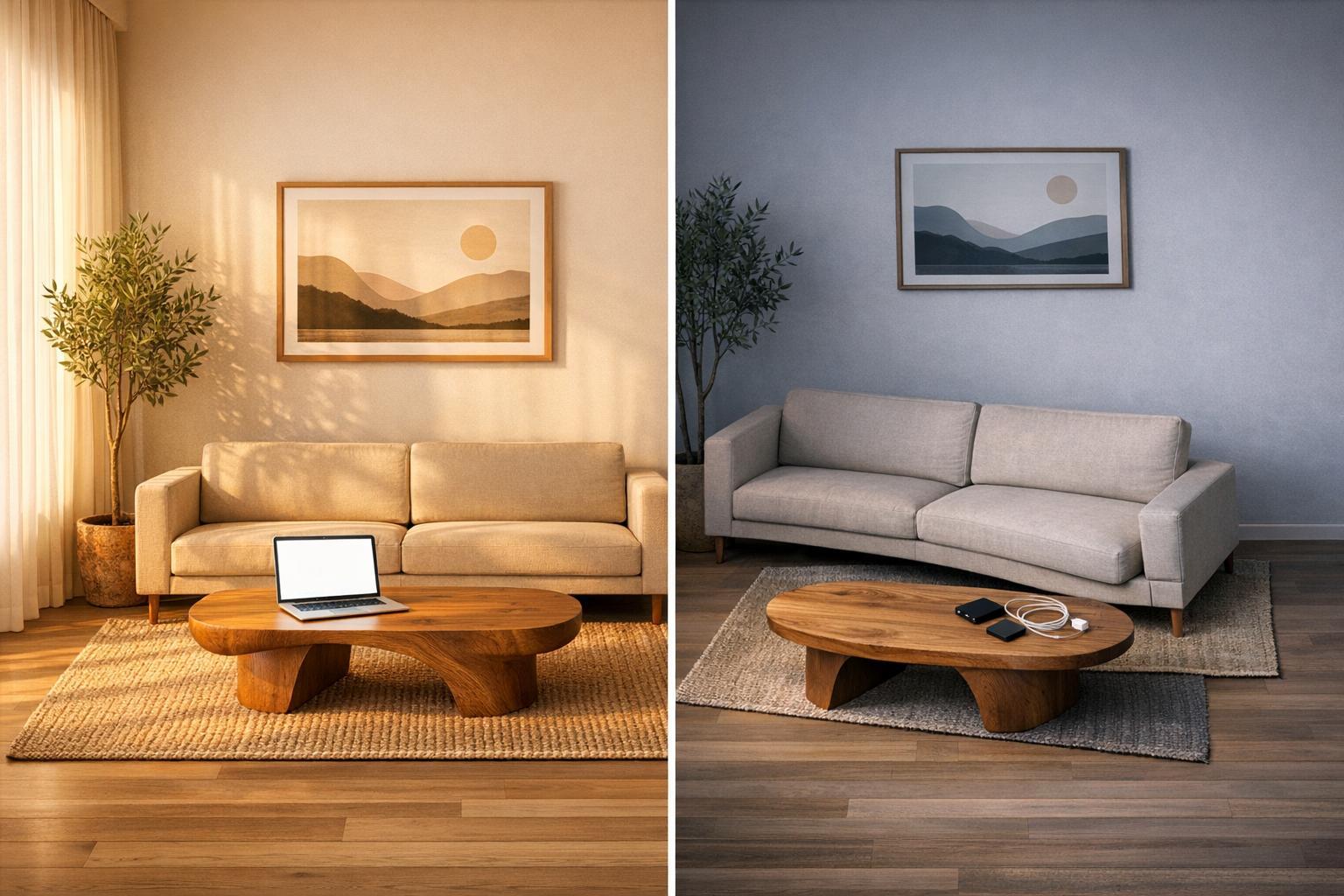
Looking for an AI tool to redesign your room? Here's what you need to know: RoomGPT and InstantInterior AI are two popular AI for home design tools, but they differ significantly in usability and results.
- RoomGPT: Users report that it struggles with accuracy (e.g., misplaced furniture, ignored instructions), technical glitches and a clunky workflow.
- InstantInterior AI: Fully browser-based with no downloads or upfront payments. Provides 1 free HD render (no credit card needed), follows specific instructions, and avoids layout errors. Paid plans start at $13.50/month.
Key takeaway: InstantInterior AI delivers smoother, more reliable results without the hassle or technical issues.
Quick Comparison
| Feature | InstantInterior AI | RoomGPT |
|---|---|---|
| Free Trial | 1 HD render/month, no card | 3 redesigns, then paid |
| Starting Price | $13.50/month for 100 credits | $9/month for 30 credits |
| Customization | High (edit specific items) | Limited (full room redo) |
| Accuracy | Maintains room layout | Misplaces furniture |
| Workflow | Smooth, no timeouts | Clunky, frequent errors |
If you're tired of tools that don't deliver, InstantInterior AI is worth a try - simple, effective, and no upfront commitment.

RoomGPT vs InstantInterior AI Feature Comparison Chart
sbb-itb-4214aae
RoomGPT: What Users Are Experiencing

RoomGPT offers a glimpse into AI-powered room transformations, but users have encountered several hurdles that make the tool less practical and enjoyable to use.
Payment Required Before Testing
RoomGPT allows only three free redesign attempts before requiring a paid subscription, which ranges from $15 to $30 per month. After these three credits, users must provide credit card information to continue using the tool.
That said, one user reported that “You have to pay to use the app to any degree so I'm just going to delete the app.“
Designs That Don't Respect Room Layouts
One common complaint is the app’s inability to accurately interpret room layouts. Users have shared examples of furniture being placed in awkward or impossible locations, like a bed blocking a doorway or a television being misidentified and transformed into a window. In some cases, dining tables have even been turned into kitchen islands. These mistakes make the designs impractical and detract from the overall user experience.
And when users try to correct these errors, they often find themselves facing another issue: the app’s inability to follow instructions.
Instructions That Get Ignored
RoomGPT frequently struggles to implement specific user requests. For instance, repeated attempts to adjust furniture or change layouts often go ignored. Reviewer Amelia Leroy highlighted this limitation, stating, "it was hard to make any detailed changes. Not being able to adjust the layout felt limiting". Additionally, some users have reported bizarre outputs, such as asking for a modern living room design but receiving images of mountains instead. While the app boasts around 20 AI design styles, many users note that the results often look similar, with only slight variations in color schemes.
Technical Problems and Clunky Processes
Technical glitches add to the frustration. Users have reported frequent time-outs, missing auto-saves, and an inefficient brush tool. To make edits, the brush tool requires downloading the generated image and re-uploading it - a tedious and time-consuming process. Combined with difficulties in reaching customer support, these issues leave users feeling like they’re paying for a tool that’s not fully polished or user-friendly.
Why InstantInterior AI Works Better

InstantInterior AI addresses the common frustrations with RoomGPT by offering a browser-based design tool that’s simple, accessible, and responsive to your needs. There’s no need for downloads, upfront payments, or complicated permissions, making it a user-friendly option for anyone looking to redesign their space.
No Downloads or Payments to Get Started
InstantInterior AI works entirely within your browser - whether you’re using a phone, tablet, or desktop. There’s no need to install anything or grant special permissions. Just visit the website and start designing. The platform even offers a Free plan, which includes one HD render without watermarks, and you don’t need to provide a credit card to sign up. This allows you to explore the tool’s potential and see real results before deciding if an upgrade is worth it. Unlike RoomGPT, which prompts you to pay after just three tries, InstantInterior AI gives you the freedom to test its features without any financial pressure.
Features That Truly Respond to Your Input
InstantInterior AI isn’t just about ease of access - it’s about delivering on your instructions. While RoomGPT users often complain about ignored prompts and limited options, InstantInterior AI ensures accurate execution of your design requests. It offers over 50 design styles and even lets you upload inspiration images to apply their aesthetic instantly. Want to swap out a specific piece of furniture? Simply use a text prompt like, “Replace the sofa with a 3-seater brown togo chair,” and the AI will adjust that element without redoing the entire image.
You can also upload images of specific furniture pieces to integrate them into your design, use the Paint Walls feature to experiment with wall colors, and fine-tune details after the render is complete. These tools reflect a core principle: when you give instructions, the tool should actually follow them.
Smooth Workflow and Reliable Results
RoomGPT users often deal with timeouts, lost progress, and clunky workflows that require constant downloads and reuploads. InstantInterior AI eliminates these issues. The platform ensures no timeouts or lost work, and it includes version control, so you can revert to earlier designs if you want to explore different ideas. This makes experimenting stress-free, as you won’t lose progress or feel stuck after making a change.
Additionally, the AI maintains the structural integrity of your room - windows, doors, and spatial proportions stay consistent throughout the redesign. This avoids the awkward layout errors that RoomGPT users frequently encounter. With quick rendering times, intuitive editing tools, and designs that respect the reality of your space, InstantInterior AI offers a seamless and practical solution for your interior design needs.
RoomGPT vs InstantInterior AI: Side-by-Side Comparison
Deciding between RoomGPT and InstantInterior AI comes down to three key factors: the level of control you have, the ease of getting started, and how well the AI responds to your instructions. The table below outlines the major differences to help you pick the right tool for your room redesign needs.
Feature Comparison Table
| Feature | InstantInterior AI | RoomGPT |
|---|---|---|
| Access Method | Web browser (no download) | Mobile app (must download) |
| Free Trial | 1 HD render, no credit card required | 1–3 generations (one-time) |
| Starting Price | $13.50/month for 100 credits | $9/month for 30 credits |
| Prompt Response | Text prompts + 7 transformation modes | Style presets only |
| Customization Depth | High (edit specific items, upload furniture images) | High on paper, but users report that the reality is different |
| Structural Accuracy | Preserves windows, doors, and spatial proportions | May misinterpret objects (e.g., bed through wall) |
| Version Control | Yes (ability to revert to earlier designs) | No (users report that designs don't save) |
| Technical Reliability | No timeouts, consistent performance | Frequent timeouts and errors |
| Commercial License | Included in all paid plans | Included in paid plans |
The comparison reveals more than just pricing differences. It underscores how each tool interacts with user input and adapts to design requests.
InstantInterior AI stands out for its ability to follow detailed instructions. For example, if you ask it to add a dresser or change a wall color, it delivers precisely what you requested. In contrast, RoomGPT often struggles with specific prompts, requiring a full room regeneration for any changes, which can be frustrating.
Another advantage of InstantInterior AI is its free trial. You can create one HD render per month without providing payment details, making it easy to explore the tool risk-free. RoomGPT, on the other hand, offers limited free generations, and its frequent technical glitches can make it harder to evaluate its capabilities fully.
Conclusion: Finding an AI Tool That Actually Works
AI interior design apps have tremendous potential, but not every tool lives up to expectations. Common issues like ignored prompts, slow performance, or paywalls appearing before you can even test the tool are signs of poor design.
With InstantInterior AI, you can start designing directly in your browser - no downloads, no credit card, no hassle. The tool follows your specific instructions and maintains the actual layout of your room, avoiding annoying problems like furniture awkwardly placed through walls or doors.
What’s even better? You get one HD render for free - no watermarks, no strings attached - upscaling is free too. This allows you to try it out and see its capabilities firsthand. If you’re ready for more, paid plans start at $13.50 per month (billed annually) and include features like a commercial license and the ability to tweak individual design elements.
These features make for a smooth, frustration-free experience. If you’ve been let down by tools that fail to follow through, remember - it’s not the concept of AI design that’s flawed, but how it’s executed. When done right, AI can bring your ideas to life with ease and precision.
Why not try a tool that respects your vision and lets you explore its potential without asking for a commitment upfront?
FAQs
What kind of photo works best for a redesign?
High-resolution JPG or PNG files (up to 10 MB) taken at waist or mid-height work best. Make sure the lines in the photo are straight and undistorted. For the most accurate redesign, the image should be clear, without extreme angles or any obstructions.
Can I update just one item without redesigning the entire room?
InstantInterior AI allows you to fine-tune specific elements in a design without having to start from scratch. Whether you want to swap out a piece of furniture, repaint the walls, or adjust other features, the tool makes it easy to make targeted edits. This means you can refine your vision without reworking the entire room.
Will it keep my doors, windows, and layout accurate?
InstantInterior AI excels at creating visually accurate designs, keeping essential details like doors, windows, and layout proportions intact. That said, its primary strength lies in generating concept-level designs rather than detailed architectural plans. It’s a fantastic tool for exploring styles and renovation ideas, but for precise measurements or construction-ready blueprints, consulting a professional is still essential.