
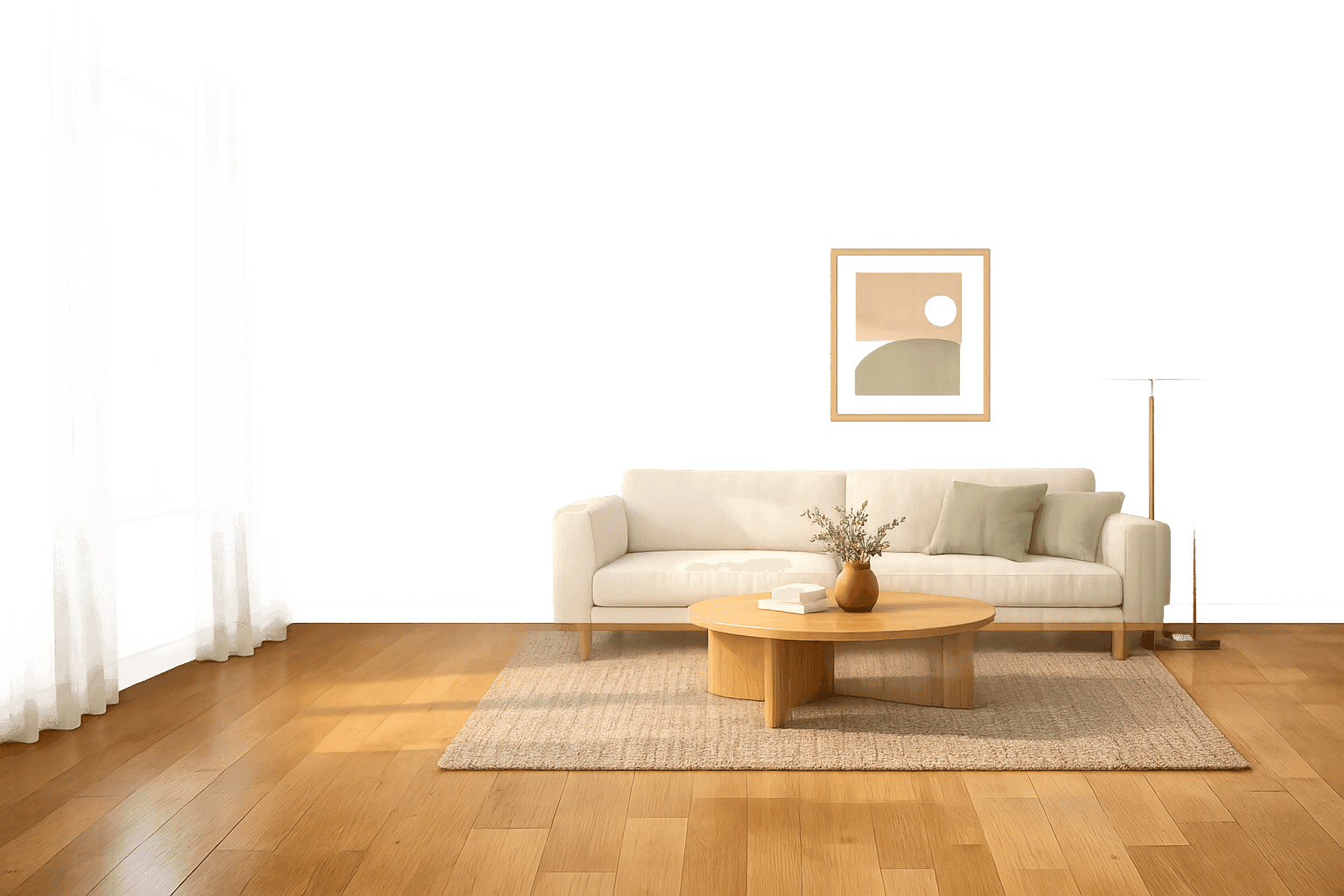
DIY virtual staging in 2026 is fast, affordable, and easy to use. Thanks to AI, you can stage a room photo in under two minutes for less than $1 - no design skills or expensive software required. Here's what you need to know:
- Costs: Traditional virtual staging costs $24–$75 per image, while AI tools like InstantInterior start at $0.02 per image with subscription plans.
- Process: Upload a photo, pick a style (e.g., Modern, Farmhouse), and let AI handle furniture placement, lighting, and scaling.
- Results: AI creates photorealistic before and after examples, boosting property views and sales without the hassle of physical staging.
For budget-conscious agents or sellers, DIY staging is a game-changer. However, for luxury listings, outsourcing may still be worth considering.
TOP Virtual Staging HACK for Real Estate Photos
sbb-itb-4214aae
What DIY Virtual Staging Means in 2026
DIY virtual staging in 2026 leverages artificial intelligence to digitally furnish and decorate property photos, whether they're empty or outdated. The process is straightforward: upload a photo, specify the type of room, and pick a design style - be it Modern, Scandinavian, or Farmhouse.
AI tools, powered by computer vision and 3D mapping, handle the heavy lifting. They place furniture and decor with precision, ensuring realistic shadows and accurate perspectives. This eliminates the hassle of physical furniture setups, Photoshop expertise, or 3D modeling skills. What used to take days or even weeks can now be achieved in as little as 15 to 30 seconds. It’s a game-changer for anyone looking for efficiency in staging.
The AI doesn’t just add furniture - it can also remove clutter or outdated items from a photo before introducing sleek, new digital elements . For example, if the goal is to stage a high-end loft, the AI takes care of everything autonomously, from decluttering to furnishing.
Traditional staging, with its movers, furniture rentals, and logistical headaches, simply can’t compete with this digital alternative. AI staging delivers photorealistic results instantly, and you can easily experiment with different styles or make quick adjustments. Real estate investor Andrew Jeffery sums it up perfectly:
"Staging companies are the first real estate segment entirely replaced by AI. The economics make it impossible to justify $3,000/month when $5 does the same job for online photos".
This shift doesn’t just save money - it makes the process accessible to anyone. With just a smartphone and an internet connection, you can produce professional-quality staged images in minutes, as long as you know how to take a good source photo and use iterative design tools effectively.
Real Cost Breakdown: Traditional Staging vs. DIY with InstantInterior AI


Traditional vs DIY Virtual Staging Cost Comparison 2026
What Traditional Services Charge
When it comes to traditional virtual staging, the pricing can get steep quickly. Most services charge on a per-image basis, with rates ranging from $24 to $39 per image. Need revisions? That'll set you back an additional $6 to $15 per revision. And if you're in a rush, expect to pay another $10 to $20 per image for expedited service.
For a typical listing with 5 rooms, these costs add up to $150 to $200. If you're staging 8 rooms, you're looking at $192 to $312. Now, imagine you're a busy real estate agent handling 20 listings annually - that's about 160 images. Using a service like BoxBrownie, your yearly expense could soar to $5,120. And if you're considering physical staging, brace yourself for an even heftier bill - anywhere between $1,500 and $4,000 per listing, not to mention ongoing furniture rental fees.
Fortunately, AI-based tools are changing the game, making staging far more affordable.
What You Pay with InstantInterior AI
InstantInterior AI flips the script on staging costs with its subscription-based pricing. Here’s how it breaks down:
- The Hobby plan costs $13.50/month (billed annually - you can also select monthly) and comes with 1,200 credits, enough for 100 staged images per month. That’s just $0.13 per image.
- The Premium plan is priced at $28.50/month, offering 600 staged images monthly at $0.05 per image.
- The Business plan, at $49.50/month, delivers 2,000 staged images each month, bringing the cost down to an incredible $0.02 per image.
To put this into perspective: staging 5 rooms with the Hobby plan costs only $0.65, compared to the traditional $150 to $200. For 8 rooms, it’s just $1.04, a fraction of the $192 to $312 you'd spend otherwise. Plus, InstantInterior AI lets you make unlimited adjustments at no extra charge - unlike traditional services that charge $6 to $15 per revision. This flexibility means you can tweak your images as much as you like without worrying about additional fees.
What Makes a Good Source Photo
Before jumping into the staging process, the first step is capturing a great source photo. A clear, well-lit photo is crucial for achieving realistic virtual staging. AI staging tools can only work with what’s already in the image - they can’t magically fix poor lighting, awkward angles, or cluttered spaces. The good news? You don’t need expensive equipment to get it right. Paying attention to a few essential details will do the trick.
Lighting and Camera Angles
Good lighting is everything. Use natural daylight whenever possible. Shoot during the day, open all blinds and curtains, and let the sunlight fill the room. Natural light helps AI tools calculate shadows and textures more accurately. To eliminate dark spots, turn on all the lights in the room. Just make sure to avoid mixing warm indoor lighting with cool daylight to keep the colors consistent.
When it comes to angles, aim for a natural perspective. Keep your camera at eye level, around 5 to 5.5 feet high. Position yourself in a corner to capture as much of the walls and floor as possible - this helps the AI map dimensions correctly. A wide-angle lens (16–24mm equivalent) works best, but stay away from fisheye lenses, as they can distort the room’s geometry and mess up furniture placement. Always shoot in landscape mode, and make sure your camera is level to keep vertical lines like door frames straight. Tilted lines can make furniture look oddly sized or misplaced.
Avoid over-editing your photos. Skip heavy HDR effects or filters, as they can confuse the AI’s ability to read depth and texture. Instead, stick to raw, well-exposed images. If the room is naturally dark, it’s okay to brighten the photo slightly - just keep it looking natural.
Preparing the Room
An empty or nearly empty room is ideal. While AI tools can remove furniture, starting with a blank space makes it easier to achieve clean, realistic results. If furniture is present, the AI has to guess what’s behind it, which can lead to awkward overlaps or misplaced objects.
Decluttering is key. Remove personal items like family photos, décor, or collections. Clear countertops, hide cables, and put away small appliances. The fewer distractions in the photo, the better the AI can interpret the space. A spotless room - clean windows, walls, and floors - also helps create sharper images and gives potential buyers the impression of a well-cared-for property.
Take photos from multiple corners of the room to give yourself options. Different angles can highlight the space better, increasing your chances of getting a photo that showcases the room in the best light. Once you’ve got a well-lit, clutter-free image, you’re ready to start the staging process.
Step-by-Step Workflow for Using InstantInterior AI
With a clear, well-lit photo in hand, staging becomes a quick and straightforward process. Most users can complete their staging in less than five minutes. One standout feature is the flexibility to make adjustments - you’re not stuck with the first result. If something doesn’t feel right, you can tweak it without starting over or paying extra. This workflow shows how anyone, even without a design background, can create polished results quickly and affordably.
Uploading Your Photo
Start by uploading a high-resolution JPG or PNG image. The AI relies on quality photos to correctly analyze dimensions, lighting, and layout. The better the photo quality, the sharper the textures and more realistic the shadows will appear in the final render.
Choosing a Design Style
Pick a design style that complements the property and appeals to your target audience. InstantInterior AI offers an array of styles, including Modern, Scandinavian, Farmhouse, Traditional, Contemporary, Industrial, Hampton/Coastal, Luxury, Minimalist, Mid-Century Modern, and Transitional. For instance, a sleek Contemporary or Industrial style might suit a downtown loft, while a suburban family home might shine with Farmhouse or Transitional touches. If you're uncertain, neutral and timeless styles are usually a safe bet. Plus, the AI allows you to experiment - generate a few variations to see which resonates most. Once you’ve settled on a style, you can fine-tune the render for a polished look.
Iterating and Refining the Render
Take a close look at the render to ensure furniture proportions and shadow alignments are accurate. If something feels off, you can refine it using text prompts. For example, you might replace a sofa with a sectional, tweak the lighting, or adjust an accessory. The ability to fine-tune details without regenerating the entire image makes staging approachable, even for those without design experience.
What to Do When a Result Isn't Right
Once your render is complete, take a close look at the outcome. Sometimes, items may be scaled incorrectly or misplaced. This is normal and can be corrected. Catching and fixing these issues quickly ensures your final result looks polished and professional.
Common Problems and How to Fix Them
One of the most frequent issues is scale errors. Check the size of AI-generated furniture against fixed elements in your photo, like doorknobs, windowsills, or outlets. For example, if a chair looks too large compared to a door frame, you can prompt the AI with something like: "replace with a smaller 2-seater sofa."
Another common issue is floating furniture, which occurs when shadows don’t align properly with the floor. Ensure shadows match where the furniture legs meet the ground. If shadows are missing or unrealistic, prompt the AI to add "realistic floor shadows."
Skewed perspective often happens when the source photo isn’t properly aligned. If this occurs, try recapturing the image with better leveling to ensure everything lines up correctly.
For cluttered scenes, where the room feels overcrowded, start by using the "Empty the room" feature. Then, select a style like Minimalist or Scandinavian to create a cleaner, more open look. If the design style feels mismatched with the architecture, switch to one that better complements the property.
Using Iteration to Get It Right
Refining renders is all about iteration. Treat your first result as a draft. With InstantInterior AI, you can make targeted adjustments through text-based prompts without having to regenerate the entire image. Plus, the platform offers full version control, so you can always revert to the original or a previous version if needed.
If issues persist, revisit the source photo. Use the "Item Removal" tool to clear out physical clutter or existing furniture before applying the staging layer. This prevents the AI from working around existing items, which often leads to placement errors. Once the base photo is clean, you can refine the design further by adjusting furniture placement, tweaking color schemes, or swapping out specific pieces - all without extra costs or losing your progress.
These tools and techniques can help you decide whether DIY staging meets your needs or if it’s time to consider professional assistance.
When DIY Makes Sense vs. When to Outsource
Not every property listing needs the same strategy. The best choice depends on factors like the property’s value, the number of listings you’re managing, and how much control you want over the final look. Let’s break down when tackling virtual staging yourself makes sense and when it’s better to bring in the pros.
DIY for Budget-Conscious Projects
If you’re managing multiple listings or working with standard properties, DIY virtual staging can save you a lot of money. Professional services often charge up to $75 per image. For a property needing 5 images, that’s $375 per listing. Compare that to InstantInterior AI’s Hobby plan, which costs just $13.50 per month and includes 100 renders - enough to stage up to 20 properties (assuming 5 renders per property). That’s a significant cost reduction.
For agents handling 5–10 listings a month, the Premium plan at $28.50 per month provides 600 renders, keeping costs low even as your volume increases. With DIY tools, you not only save money but also gain the ability to experiment with different design styles quickly and efficiently.
This affordability and flexibility make AI-powered staging a great option for everyday listings or even for experimenting with unique designs at a low cost.
Outsourcing for High-End Listings
While DIY is great for keeping costs in check, luxury properties often require a more refined touch. For high-end homes priced above $800,000, professional staging services can deliver the polished look that appeals to discerning buyers. These services utilize extensive furniture and decor libraries to meet the expectations of a luxury market.
Outsourcing is also ideal for properties with architectural complexities - think Victorian homes with intricate angles or spaces that need significant relighting adjustments. For ultra-luxury homes valued at $3 million or more, traditional physical staging often remains the go-to option. The in-person "model home" experience at open houses can leave a lasting impression on potential buyers, making it worth the investment.
Conclusion
Key Takeaways
DIY virtual staging has reached a point where it can produce professional-level results in just minutes. Thanks to AI-powered tools, you no longer need advanced Photoshop skills or costly rendering services. Traditional virtual staging often runs into the hundreds of dollars per listing, but platforms like InstantInterior AI offer a much more affordable solution.
The key to success lies in starting with a well-lit, properly composed photo and being open to fine-tuning until the final result meets your expectations. As we've covered, AI tools simplify the process, cutting out the need for expensive software or services and making staging accessible to everyone. Research shows that staged homes sell 73% faster and receive 40–50% more online views compared to unstaged properties. For agents juggling multiple listings or sellers working on a budget, DIY staging delivers professional-quality results without the hefty price tag. Of course, for high-end properties where every detail counts, outsourcing might still make sense. But for the majority of homes, DIY staging is now the clear winner.
With these benefits, taking control of your own staging process has never been more achievable.
Try InstantInterior AI Today
The combination of affordability and simplicity makes DIY staging a smart move. If you're an agent looking to stay within budget while maintaining control, give InstantInterior AI a try. Start with 3 free renders to see how precise the tool can be for your next listing. Just upload a well-lit photo, select a style tailored to your market, and tweak the design until it’s perfect. The Hobby plan, offering 100 renders per month, gives you the flexibility to experiment, refine, and stage multiple properties - all without breaking the bank.
The barriers to entry are gone. Now it’s your turn to take advantage of these savings and take control of your staging process.
FAQs
Are AI-staged photos allowed in MLS listings?
Yes, AI-generated photos can be used in MLS listings, provided they are clearly labeled as virtual staging. Most MLS systems mandate this disclosure to maintain transparency and avoid misleading potential buyers.
What photo resolution works best for virtual staging?
High-quality photos with excellent lighting and minimal distortion are key to successful virtual staging. Use a reliable camera, such as a DSLR or a high-end smartphone, to take crisp, well-lit shots. Make sure to capture the entire room, avoid creating shadows, and clear out any clutter beforehand. Opt for higher resolutions - ideally 4K or above - as this helps AI tools produce more precise and lifelike results.
How do I keep staging consistent across all rooms?
When staging multiple rooms, stick to one consistent style - whether it's modern, coastal, or another aesthetic - and carry it through every space. Keep your photos uniform by using consistent lighting, similar angles, and removing unnecessary clutter. To fine-tune elements like furniture placement or decor, take advantage of the iteration feature, making sure everything aligns with your chosen style. This method ensures your staged images look polished and professional from start to finish.